
Importing and exporting a project
You can export and import projects on the platform. You can download the current configuration of the project, edit it and then re-upload it to the platform.
The download includes all chat bot files: scripts, dictionaries, test scripts, NLU settings, location settings, intents and entities, client entities, custom spellchecker dictionary.
Export
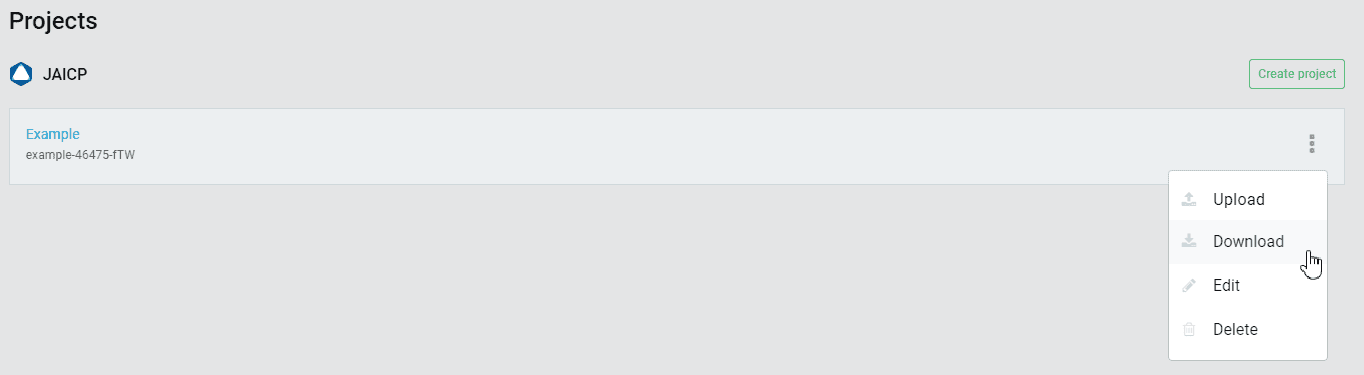
Click the
 icon next to the name of a project > select Download to export the project. The archive of the project with the bot in its current configuration will be downloaded.
Import
Click the
icon next to the name of the project you want to upload project files to > select Upload > select the project archive to upload.