
Intents
An intent is a key entity of the NLU service; it unifies a set of phrases, user intent and other metadata.
More about using intents in a script, intent definition and configuring activation rules
Intent creation
Open a project and click CAILA > Intents in the toolbar. You have navigated to the intents reference for the project.
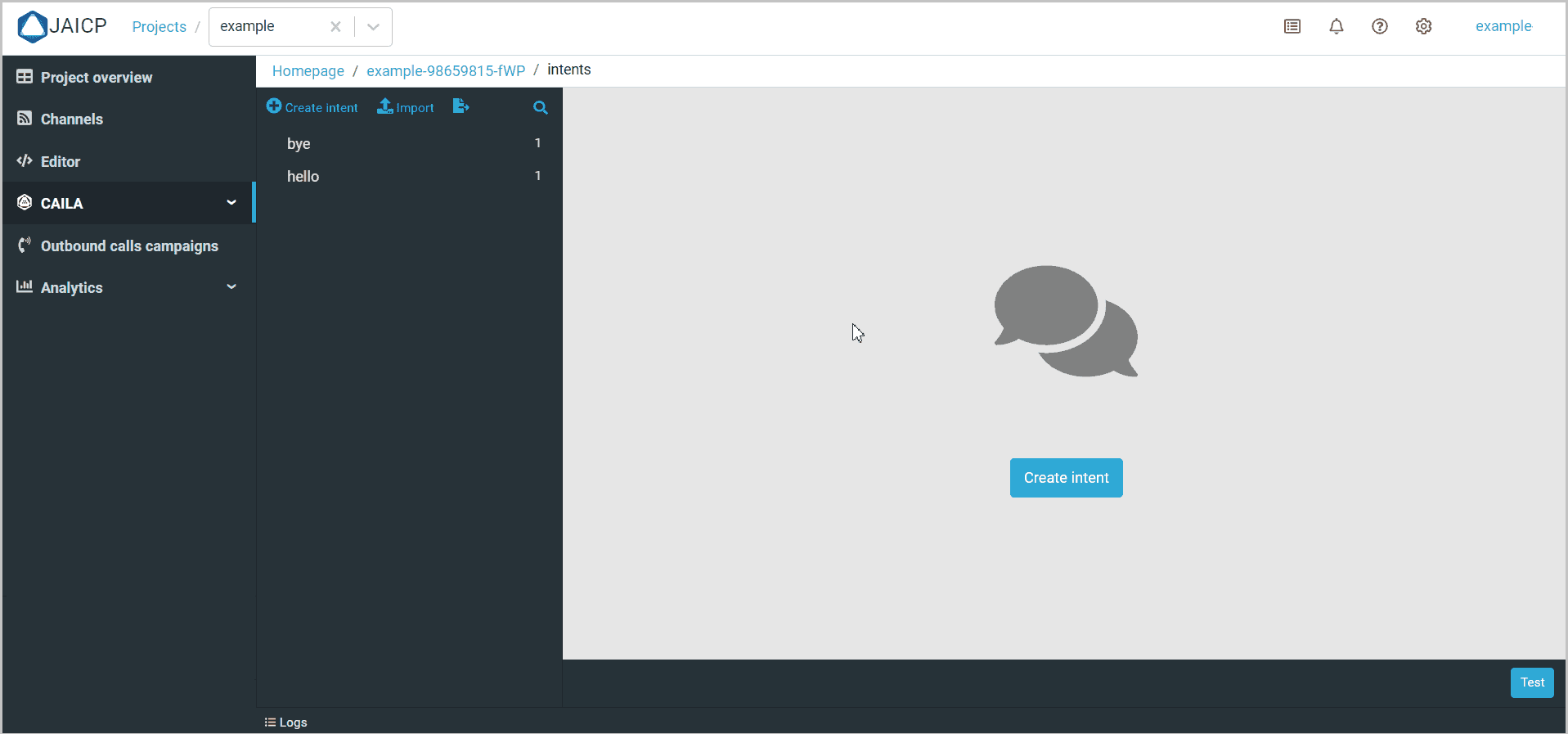
Click Create intent. Fill in the fields:
- Name — specify the intent name. The full intent path is calculated automatically and shown under the input field; it is used to reference the intent from the script.
- Description — specify an additional description or comment.
- Answer — specify the standard reply to the intent. You can reference it from the script as
$context.intent.answer. - Training phrases — specify examples of training phrases for recognizing this intent.
You can also create a nested intent. To do that click the
 icon next to the intent name > Create nested intent. The nesting depth of intents is unlimited.
ᅠᅠᅠᅠᅠᅠᅠᅠᅠᅠᅠᅠᅠ
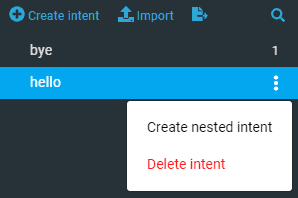
Use an nested structure to create a hierarchical structure for your intents. This will help not to get confused in their use and editing while writing the script.
Intents form a tree in the right panel. Tree nodes are sorted in dictionary order. For each node the number of example phrases in this intent is indicated along with the number of child phrases, delimited by the / character.
Filling slots for an intent
Slots are the entities which the client sends along with a request or during the clarification process.
Click Add slot to create a new slot. Fill in the following required parameters:
- Name is name of the slot.
- Entity is a system or a custom entity defining the type of data the slot will capture.
Fill in the additional parameters as needed:
- Required — activate the toggle if the respective slot is required to be filled.
- Is Array — activate the toggle so the slot captures all the corresponding entity values as an array.
- Questions — specify questions that will be used during the clarification of unfilled slots.