
Test widget
A chatbot is a system that imitates human communication and can carry out certain actions requested by the user. As in any other complicated system, certain errors might appear. The bot might not behave as expected.
For chatbot debugging you can use a built-in test widget.
Prepare the chatbot script, then click
 or use
 аlt + w key combination. The test widget will appear on the screen. Here you can interact with your chatbot before deploying it into a channel.
At this point, you can edit the dialogue and check if it works correctly, or if it is understandable, and you don’t need to use any additional features of prototyping.
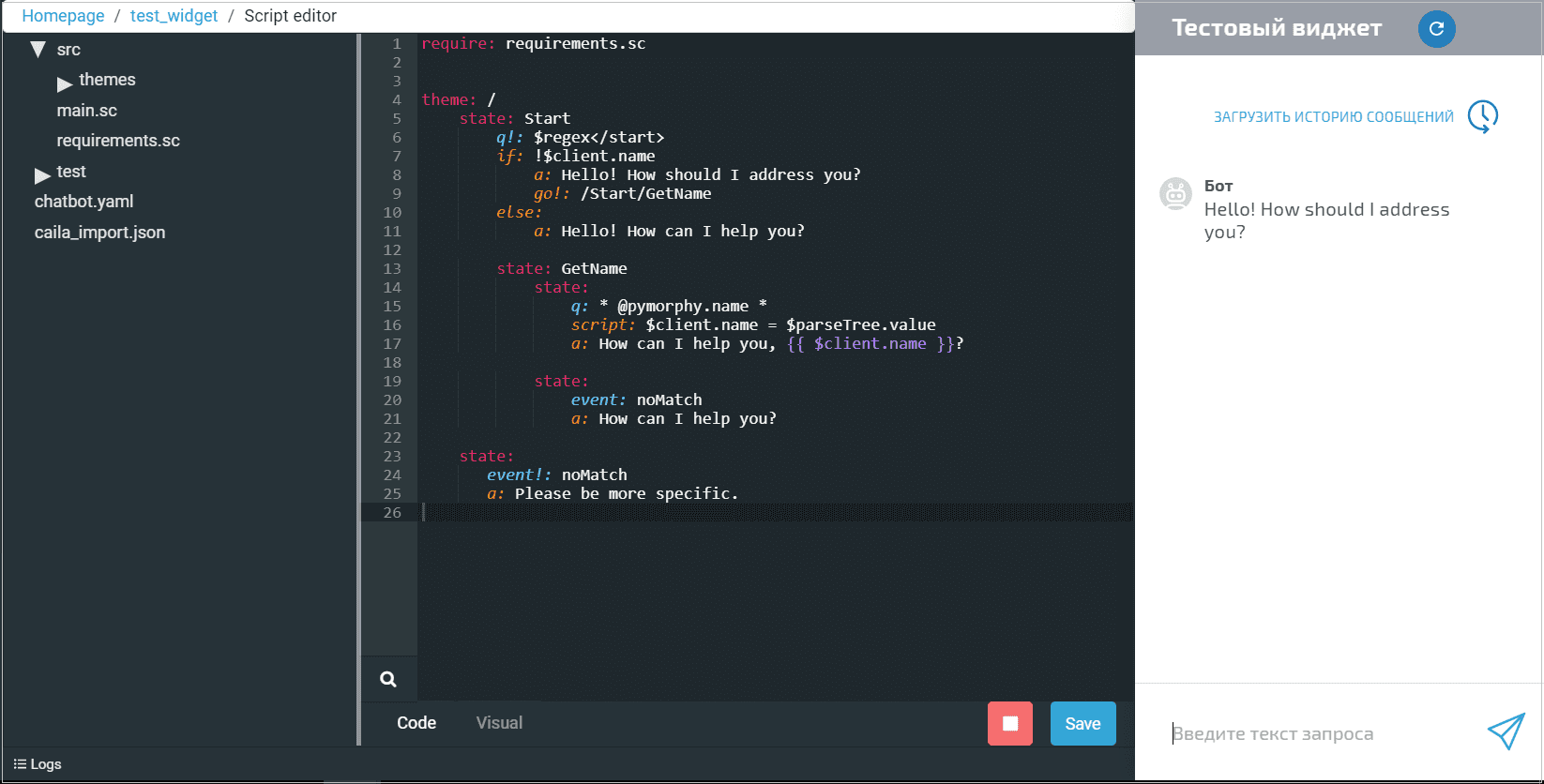
The bot deployment takes place every time you open a test chatwidget.
You can check the server logs tab to monitor all the events happening to the chatbot in real time: incoming messages, buttons being clicked, etc. To access the logs click Logs.